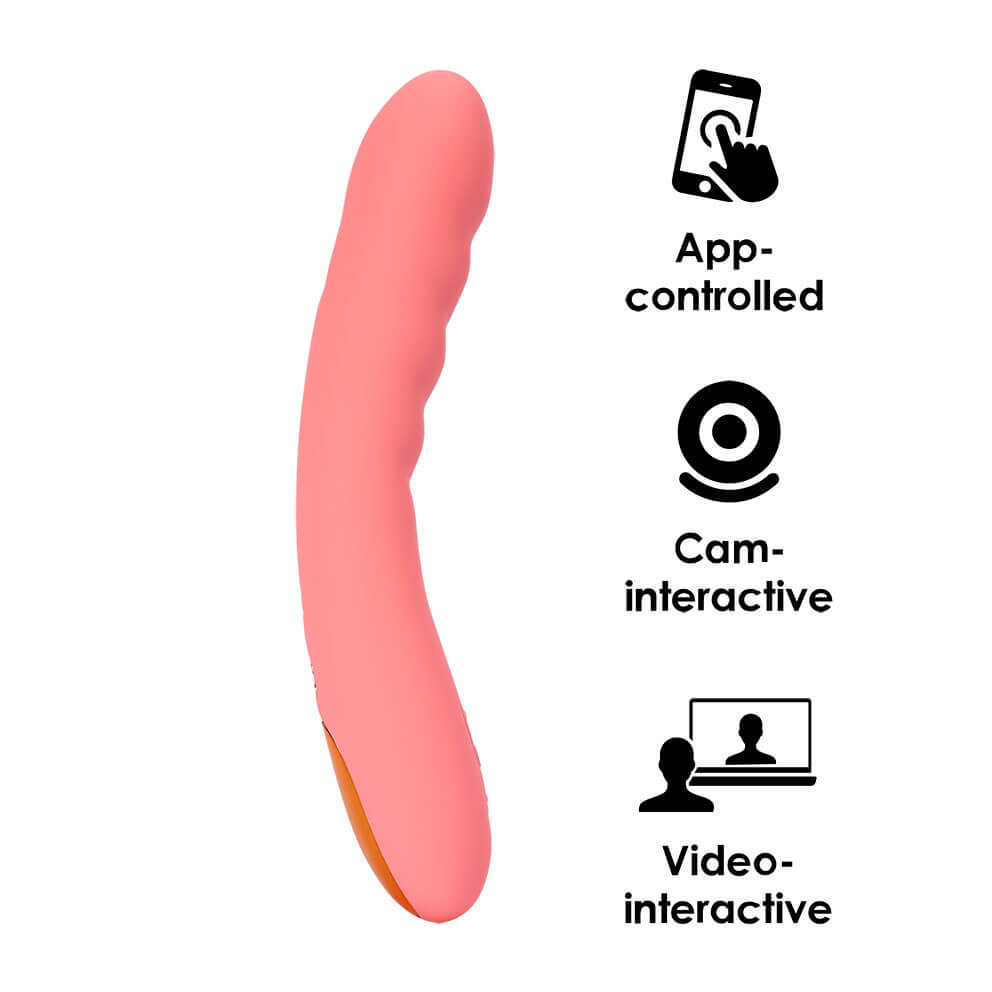
Ava Neo Interactive Thrusting Vibrator – Peach Pink
Quantity In Stock
Product features
- Diameter (cm):3.2
- Length (cm):19.6
- Color:
- Material:Silicone
- Brand:SVAKOM
- Vibration:yes
- Insertable length (cm):11.2
- Waterproof:yes
- Warranty (months):24
Product Overview:
/upload/medialibrary/36a/uj20ie58dlht5xqtdct6o0ec2xzqjc6a.mp4
Product Features
Long-Distance App Control Video & Webam Interactive
Independent Thrusting & Vibration
Cushioned Head for Comfort
Waterproof & Submersible
Specifications
Material: Liquid silicone, ABS
Size: 186*33*33mm/7.3*1.3*1.3”
Insertable Length: 108mm/4.3”
Largest Insertable Diameter: 33mm/1.3”
Weight: 149g/0.31lbs
Battery Capacity: 650mAh
Battery Type: Polymer lithium battery
Charging Time: 2H
Battery Life: 1H Modes (Thrusting, Vibration & Combined): 5+5+5
Intensity Levels: 5+5+5
Waterproof Level: Waterproof
How to Use It
On/off: Long press ‘S’
Switch function: Double click ‘S’ to go from thrusting with vibration, to thrusting only, to vibration only
Switch mode of a function: Double click ‘△’ or ‘▽’
Switch intensity: Single click ‘△’ or ‘▽’
What’s included
Ava Neo, USB Charging Cable, User Manual & Storage Pouch.
INTERACTIVE CONNEXION SERIES FEATURES

CONTROL VIA APP
Use the SVAKOM App to unlock more play options. Access bonus preset modes or share control and interact with a partner at any distance.
Quick Set-up
1. Activate Bluetooth on your smart device.
2. Open the app.
3. Turn on the SVAKOM toy.
4. Press ‘Play Now’ on the app launch screen.
Available at App Store or Google Play.
Svakom APP Guide
FEEL INTERACTIVE CONTENT
As part of SVAKOM’s Connexion Series, Ava Neo uses FeelTechnology so you can interact with porn and webcams. Pair with the FeelConnect 3 App and feel the motion of interactive adult video content on your body via the toy.
Quick-Start Guide
1. Download the FeelConnect 3 App to a smart device.
2. Activate Bluetooth on the device and for Android, location.
3. Turn on the toy.
4. Open the app, press ‘Sign Up’ and follow the prompts.
5. Press ‘Connect device’.
6. Press ‘Connect’ next to the toy name. Allow the app to use Bluetooth if asked.
7. Press ‘Test your device’. The toy will move.
8. Press ‘Finish setup’.
Interact with videos via smart device
1. Open a website with interactive adult videos, e.g. Pornhub.
2. Search categories for ‘interactive’. Select a video.
3. Press ‘Sync interactive toy to video’.
4. Press ‘Watch in app’. Allow the FeelConnect 3 App to open.
The toy will move only when the video features foreplay and/or penetration.
5. The video will be saved in ‘Media’. To delete it, swipe left, press the trash icon and relaunch the app.
Available at App Store or Google Play.
Interactive Content Guide
EARN AS WEBCAM MODEL
Use your toy with the FeelPerformer platform and earn tips by letting webcam viewers control your toy during live shows.
For webcamming, visit FeelPerformer.com
Camming Guide
MORE IMAGES







Reviews
There are no reviews yet.